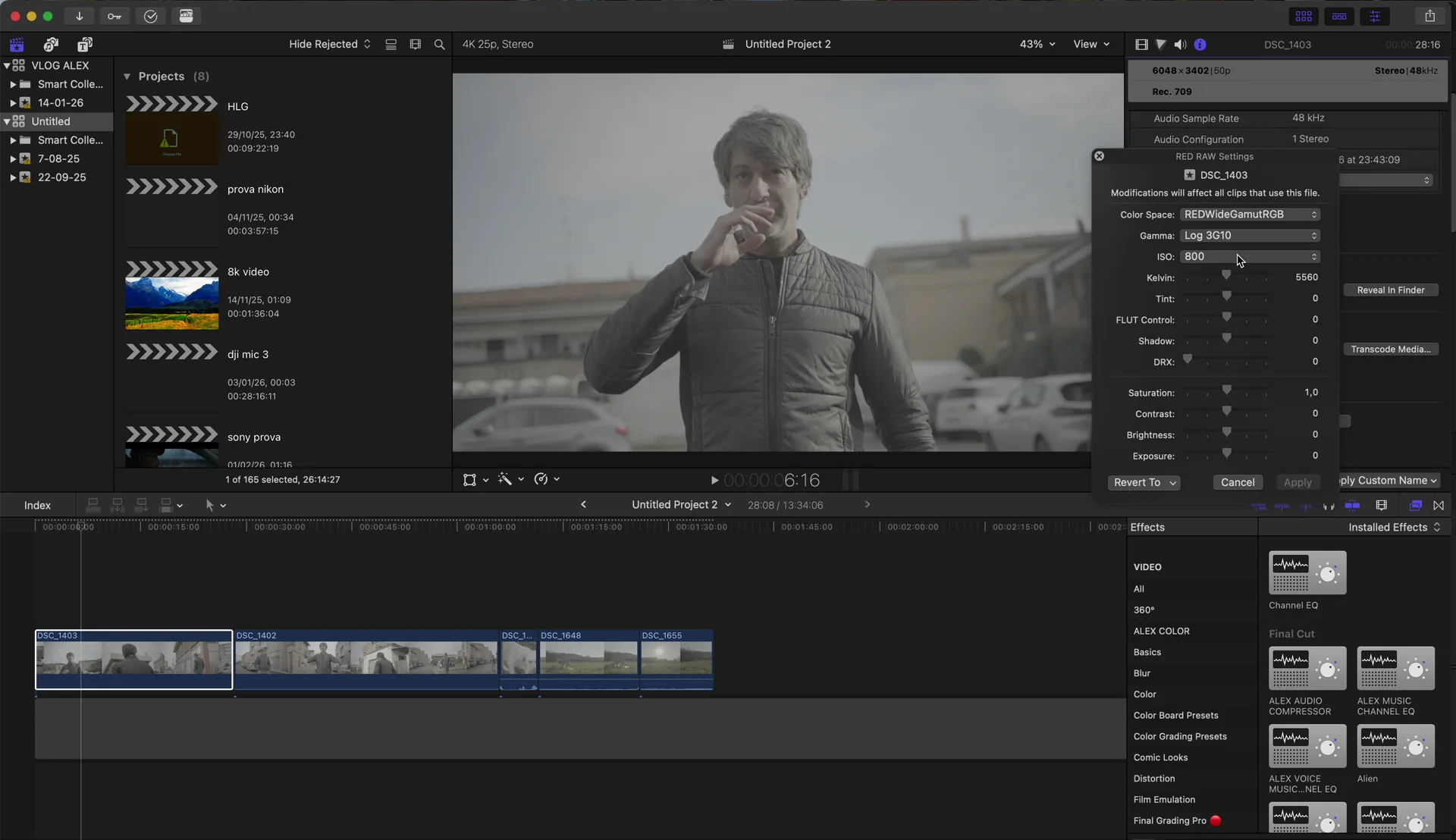
Final Cut Pro can now open Nikon ZR R3D files with the RED plugin. ISO, Kelvin, tint and your LUT work in the Inspector, but exposure and shadows are disabled. Here is what I found.
Final Cut Pro can now open Nikon ZR R3D files with the RED plugin. ISO, Kelvin, tint and your LUT work in the Inspector, but exposure and shadows are disabled. Here is what I found.
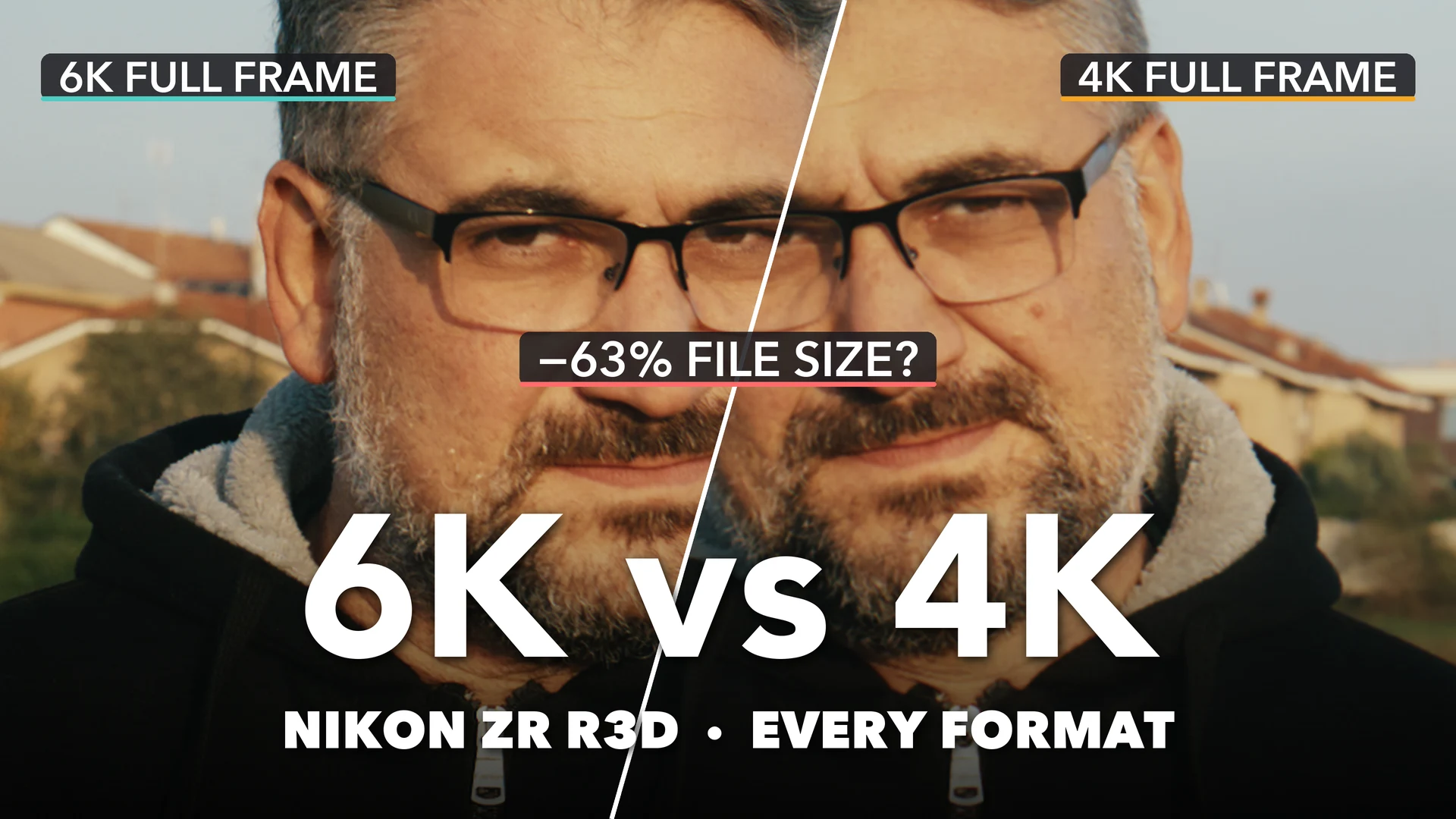
The Nikon ZR records R3D NE in three sensor modes (6K full frame, 4K full frame and 4K APS-C) and up to 120 frames per second. On paper they are all “RAW”, so does it matter which one you pick? I wanted a clear answer to the Nikon ZR R3D 6K vs 4K question, so...
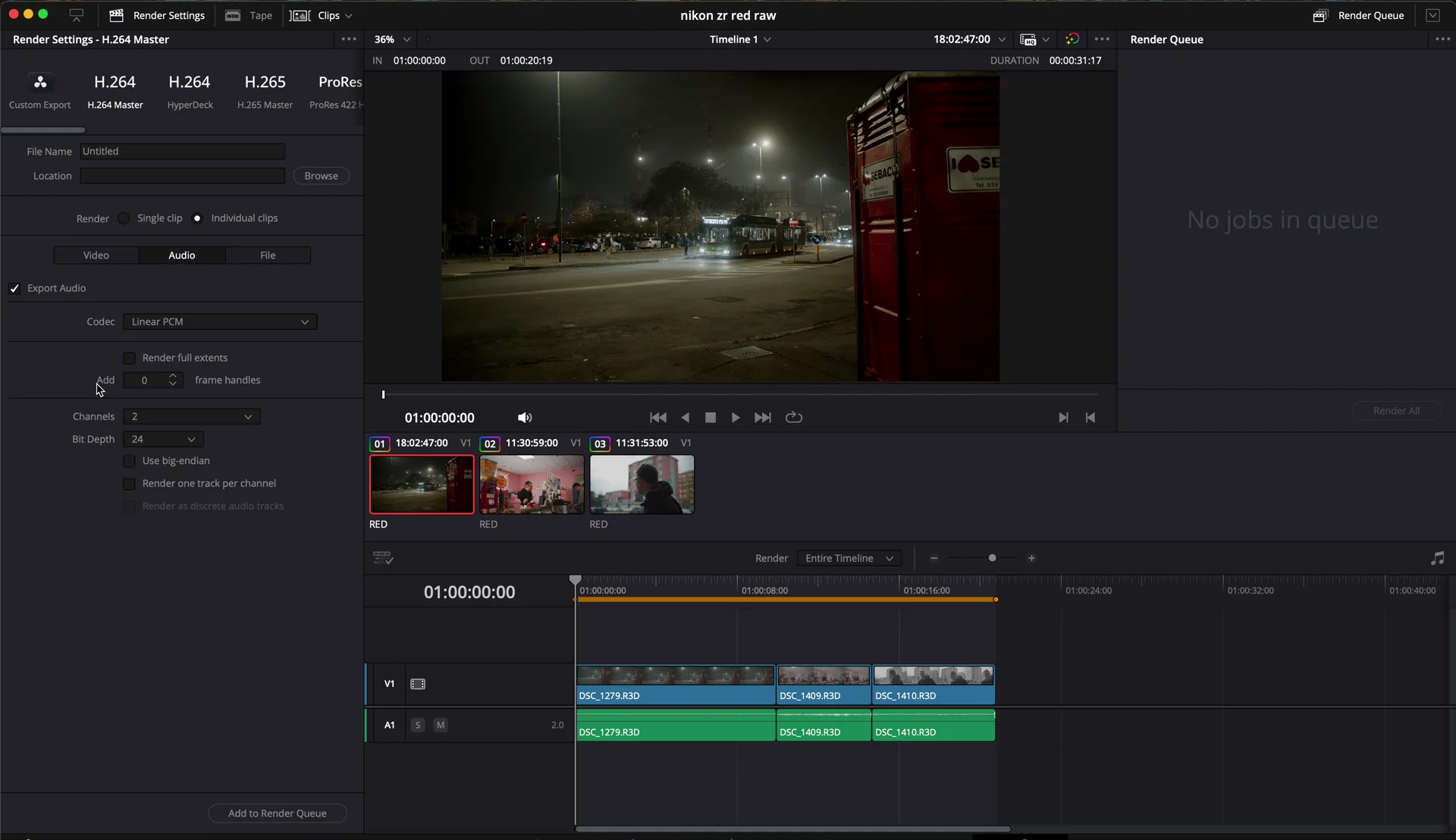
Nikon ZR R3D RAW looks amazing but the files are huge. After the grade I export everything from DaVinci Resolve to H.265 Rec.709: a 1 GB clip drops under 200 MB, ready to edit.
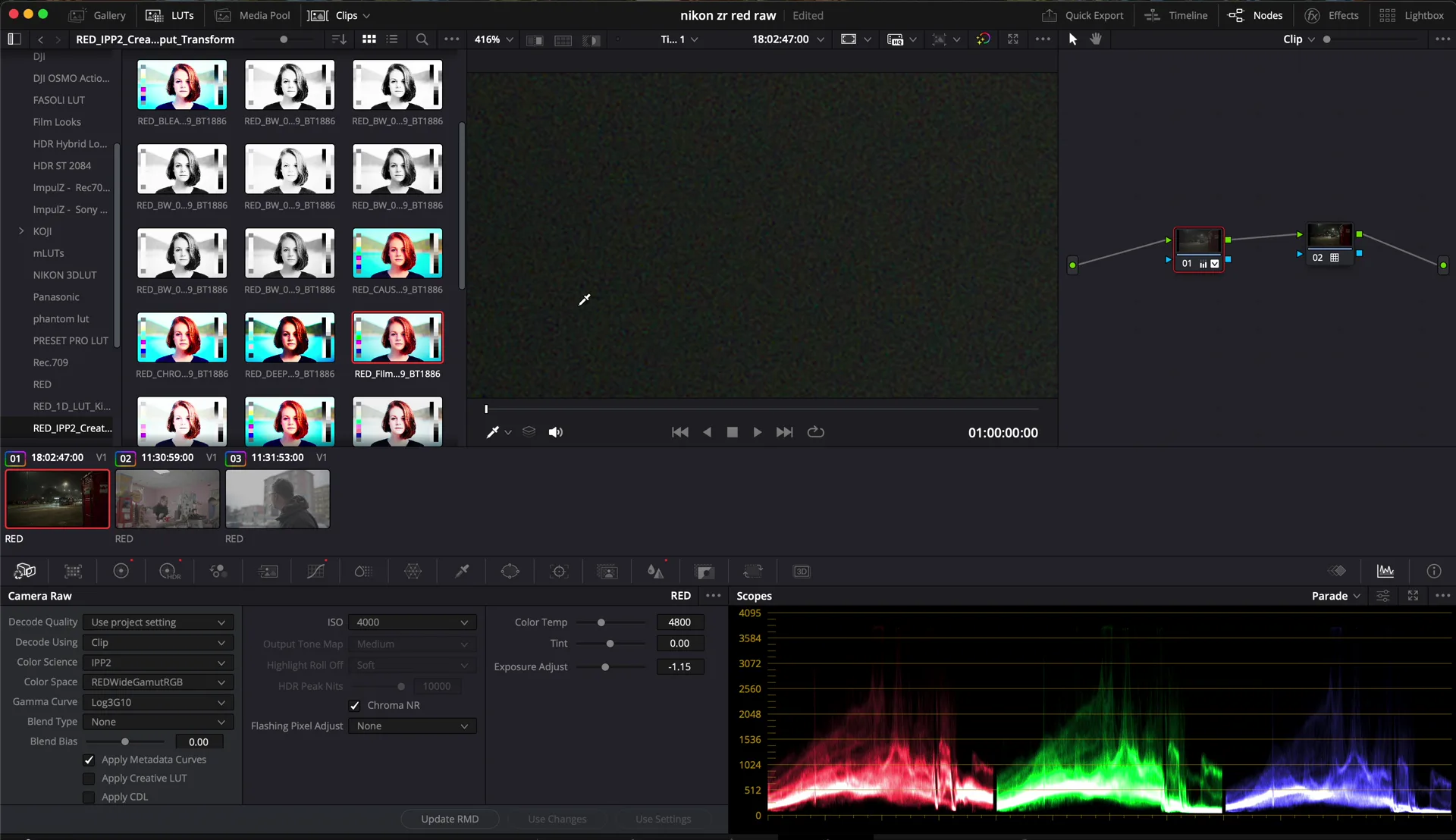
In low light I keep the Nikon ZR at 6400 ISO, its high base ISO. Too bright? Lower the ISO in the RAW in DaVinci Resolve, add a little noise reduction, and the noise is gone.
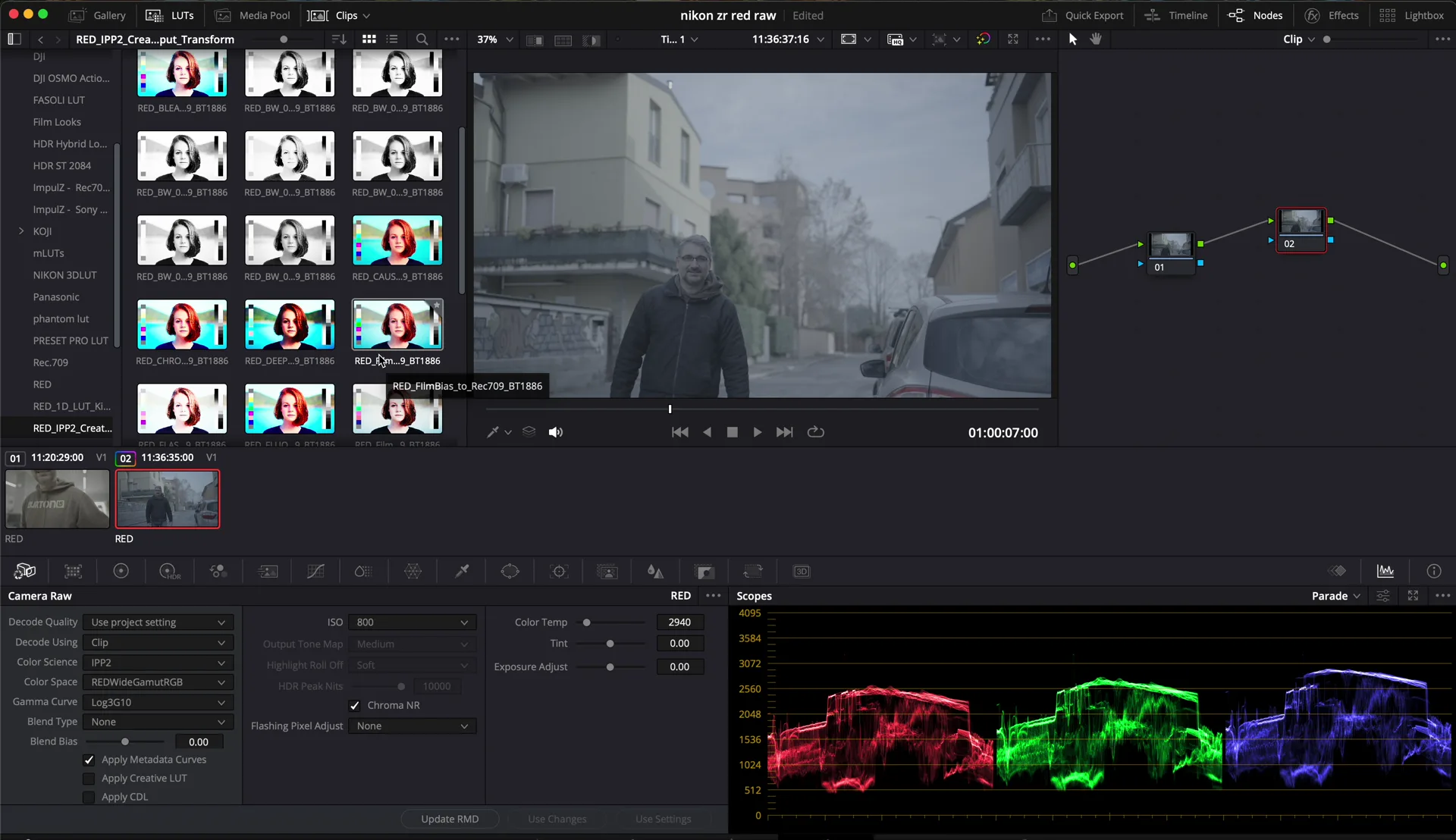
I shot an outdoor clip on the Nikon ZR at 3200K on purpose, completely wrong. In R3D RAW it took a LUT and two adjustments in DaVinci Resolve to save it. This is why I shoot RAW at weddings.
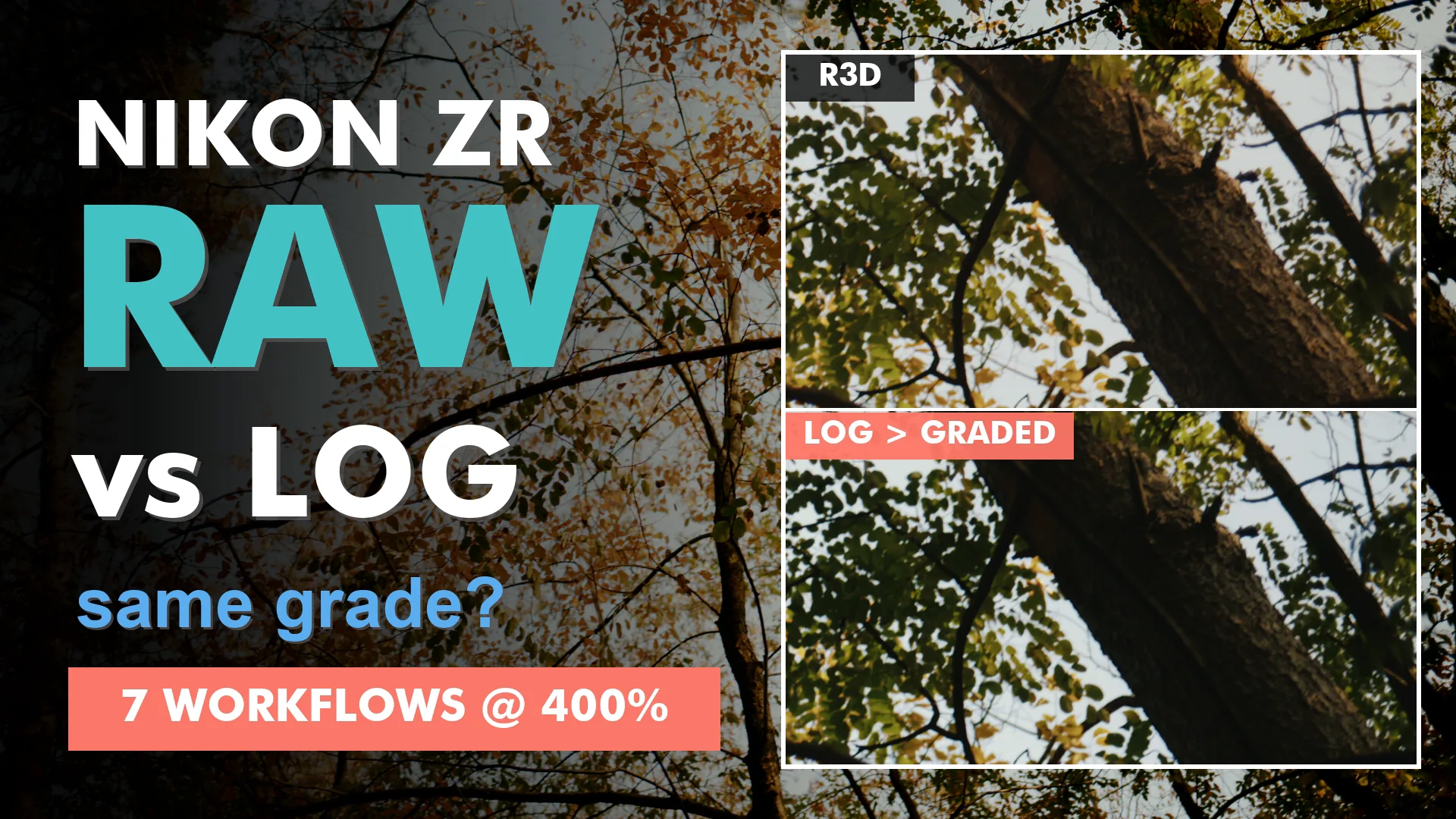
Shooting RED RAW 6K on the Nikon ZR is a joy in the grade and a pain on the drives: one minute of footage is about 11.7 GB. So most of us take a shortcut somewhere between the card and the final export. I wanted to know which shortcut actually costs you image quality. I...