At a wedding you cannot ask people to speak quietly. Speeches, laughter, a band that starts without warning: the audio clips and the take is gone. The Nikon ZR 32-bit float recording promises that this can no longer happen. So I tested it the stupid way: I screamed straight into the internal microphone.
The test
With a normal 16 or 24-bit recording, a scream that close to the mic is destroyed: flat, distorted, impossible to fix. With 32-bit float the file keeps the information above the clipping point, so you can bring it back down in post.
The workflow
- Record with 32-bit float turned on in the camera audio menu.
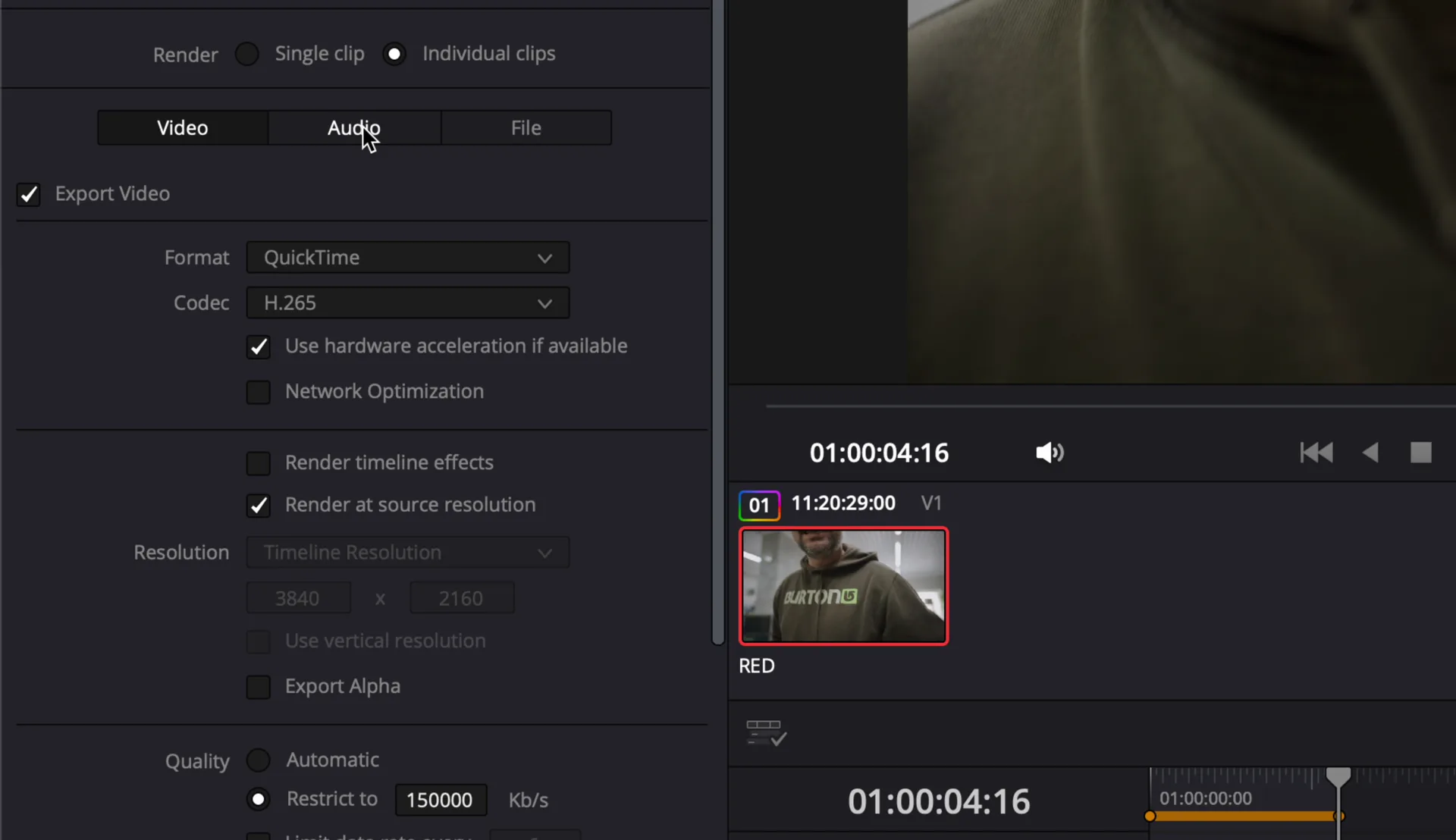
- In DaVinci Resolve export the audio as PCM 32-bit float, otherwise you throw away the headroom.
- Import in Final Cut Pro and simply lower the volume.
The result
The scream comes back clean, without distortion. It is one of those features that I think every camera should have by now, especially for anyone filming events where you cannot control the sound.
Quick recap
- Turn on 32-bit float on the Nikon ZR.
- Export PCM 32-bit float from Resolve, not 24-bit.
- Lower the gain in the edit: the clipped audio comes back.
More Nikon ZR workflow: R3D to H.265 in DaVinci Resolve.
Watch the video
Hear the test on YouTube Shorts. More on my YouTube channel.
Nikon ZR internal microphone, 32-bit float. Words and video by Alex Sofo.