I still love the Sigma 18-35mm f/1.8 for weddings: bright, sharp, and with the Sigma MC-11 adapter it works on the Sony A7 5. The problem is that it is an APS-C lens. On a full frame sensor it does not cover the whole image, and you get a dark circle around the frame. The obvious answer is Super 35 mode, but there is a better one.
The problem: an APS-C lens on a full frame sensor
In full frame mode the image circle of an APS-C lens is too small for the sensor, so the corners go black. Super 35 fixes it by cropping a lot, and you lose part of the wide end that you bought the 18-35 for.
The fix: let the stabilization do the crop
Go to the image stabilization menu and try the three modes. Standard keeps the full frame, so the vignetting stays. Active crops a little and the corners start to clean up. Dynamic Active crops a bit more and the vignetting disappears, and on top of that the image becomes very stable for handheld shots.
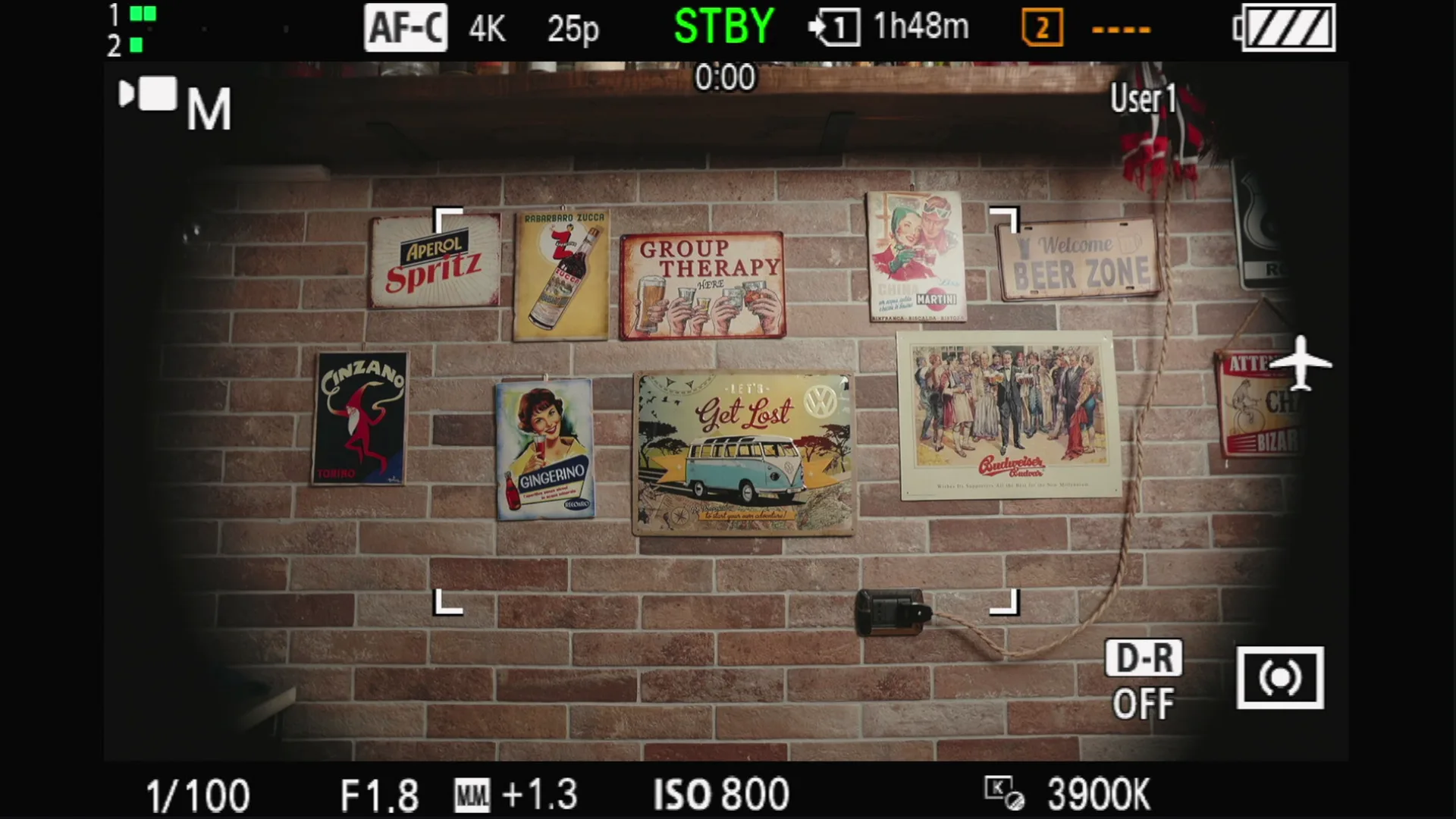
Add Priority Angle of View
With Priority Angle of View on, the A7 5 keeps the framing as wide as possible for the mode you are in. Together with Dynamic Active it is, for me, the best setting to shoot with this camera when I mount an APS-C lens.
Two notes from my tests: you can put Super 35 and Priority Angle on custom buttons, but they do not work while you are recording, so set them before you hit REC. And Dynamic Active is not available in 4K at 100p.
Quick recap
- APS-C lens in full frame = dark corners.
- Instead of Super 35, set stabilization to Dynamic Active: its crop removes the vignetting.
- Turn on Priority Angle of View to keep the widest framing.
- Set it before recording: the shortcut buttons do not work during REC.
More Sony settings I use on wedding days: the AWB Lock white balance trick on the Sony A1.
Watch the video
The short version is on YouTube Shorts and Instagram. More tests on my YouTube channel.
Sony A7 5 with Sigma 18-35mm f/1.8 DC Art and MC-11 adapter, screen recording of the camera. Words and video by Alex Sofo.